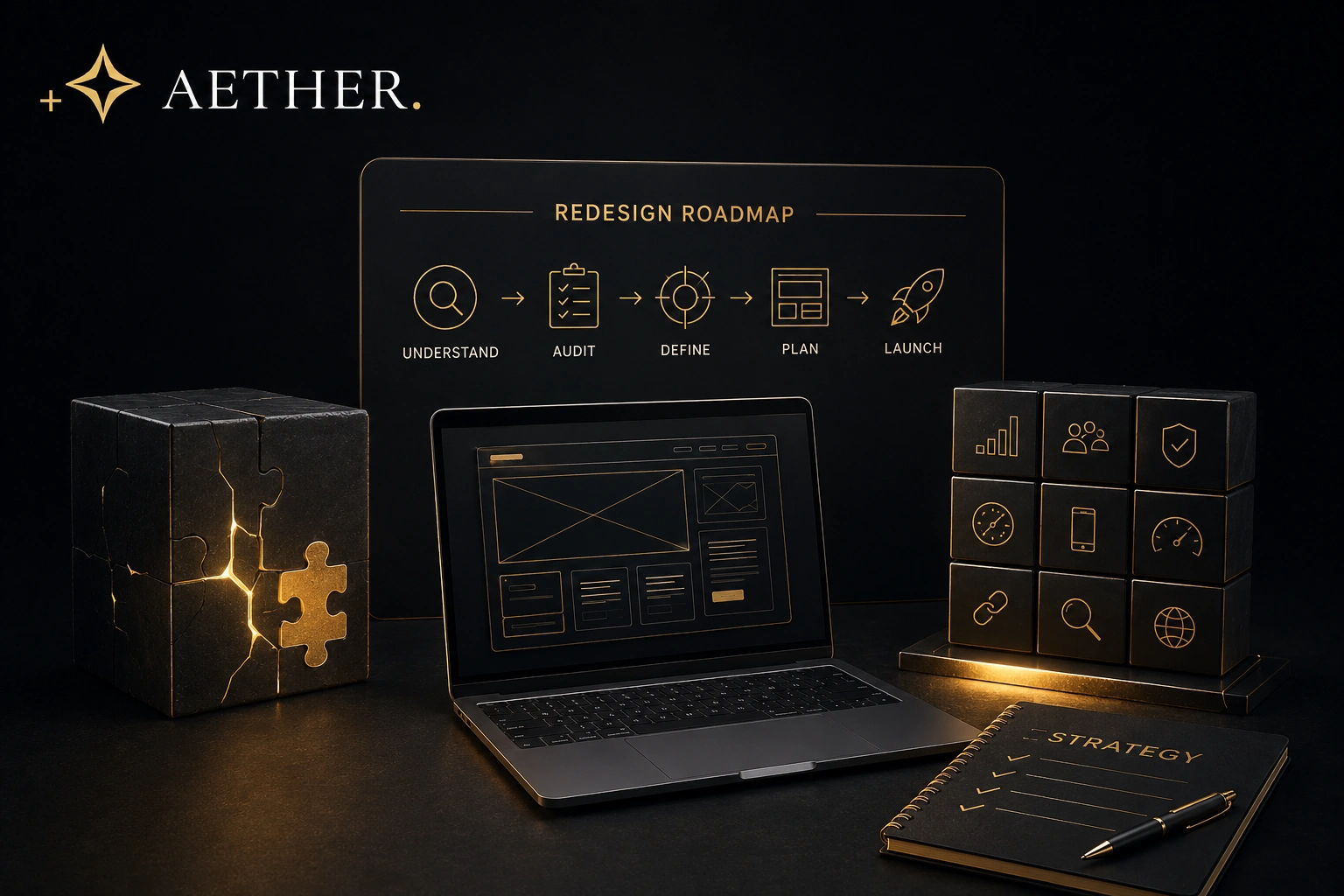
A website redesign should not begin with design.
It should begin with understanding.
What is working?
What is not?
What has changed inside the business since the current website was built?
Which pages generate enquiries?
Which pages attract organic traffic?
Where do visitors leave?
What does the marketing team need that the current website cannot provide?
These questions matter because a redesign is an opportunity to improve far more than appearance.
Done well, it can improve:
Positioning.
UX.
Conversion.
Performance.
Search visibility.
Content architecture.
Marketing flexibility.
And the long-term scalability of the digital platform.
Done poorly, a redesign can simply move the same problems into a more attractive interface.
That is why preparation matters.
The more clearly you understand the existing website before changing it, the more confidently you can decide what the next one should become.
Start by Defining Why You Are Redesigning the Website
“Our website looks outdated.”
That may be true.
But it is not yet a strategy.
A redesign needs a reason.
Perhaps the company has repositioned.
Perhaps the customer journey has changed.
Perhaps the website no longer generates enough qualified enquiries.
Perhaps the marketing team cannot build campaigns efficiently.
Perhaps the architecture no longer supports the number of services or markets the business now serves.
Perhaps performance has declined.
Perhaps the site simply no longer represents the quality of the organisation.
Each problem leads to a different redesign.
If the problem is weak positioning, the project needs stronger messaging.
If the problem is conversion, UX and Decision Architecture™ become more important.
If the problem is growth, scalability matters.
If the problem is technical debt, a visual redesign may not be enough at all.
This is why we first distinguish between a website redesign and a website rebuild.
Before deciding what should change, understand which problem you are actually trying to solve.
Audit the Existing Website Before Replacing Anything
One of the biggest mistakes in a redesign is assuming the existing website has no value because it feels outdated.
That is rarely true.
Some pages may already perform extremely well.
Certain content may rank strongly in search.
Specific service pages may generate qualified leads.
Visitors may use certain navigation paths more often than expected.
Existing backlinks may point to important URLs.
Forms may already connect successfully with internal systems.
A redesign should identify these strengths before anything is removed.
Audit:
Traffic.
Conversions.
High-performing pages.
Organic landing pages.
Engagement patterns.
Important backlinks.
Technical performance.
Content quality.
Navigation.
Forms.
Integrations.
Mobile behaviour.
The purpose is not to preserve everything.
It is to avoid destroying useful assets simply because the visual system around them needs improvement.
A good redesign is selective.
It keeps what creates value.
Improves what can perform better.
And removes what no longer serves a clear purpose.
Use Data to Separate Assumptions From Real Problems
Teams often have strong opinions about their websites.
“Nobody uses this page.”
“Customers cannot find this service.”
“The homepage needs to be shorter.”
“We need more calls to action.”
Some of those assumptions may be correct.
Others may not be.
This is where data becomes useful.
Analytics can show which pages attract traffic.
Conversion tracking can reveal which journeys generate enquiries.
Search Console data can identify pages with strong organic visibility.
Heatmaps and behavioural analysis can help identify interaction patterns where appropriate.
Sales teams can explain which questions prospects repeatedly ask.
Customer service teams can reveal where confusion exists.
Marketing teams can identify the limitations they encounter most often.
None of these sources should make the design decision alone.
But together they create a much stronger picture than opinion.
This is particularly important when trying to reduce Digital Friction™.
You cannot remove friction effectively until you understand where it actually occurs.
Preparation should therefore turn vague dissatisfaction into specific problems that the redesign can solve.
Audit Your Content Before Designing New Pages
A website redesign is also a content project.
Even when businesses do not initially realise it.
The old website may contain years of accumulated material.
Old service pages.
Outdated team profiles.
Duplicate articles.
Thin landing pages.
Case studies.
PDFs.
FAQs.
Campaign pages.
Legal content.
Before creating a new architecture, decide what happens to all of it.
Keep.
Improve.
Merge.
Redirect.
Remove.
This process prevents the new website from inheriting the same clutter as the old one.
It also creates an opportunity to reorganise information around the way customers actually think.
A service should not exist in the navigation simply because it had a page before.
An article should not be migrated simply because somebody published it five years ago.
Content should earn its place in the new system.
This is where UX Architecture™ and information architecture meet.
The redesign should not ask only:
“What content do we already have?”
It should ask:
“What does the customer need to understand, and how should that knowledge be organised?”
Protect SEO and Existing Authority Before URLs Change
Changing a website without understanding its existing search footprint can create unnecessary risk.
Some URLs may already generate valuable organic traffic.
Some may have accumulated backlinks.
Some may support important topic relationships through internal linking.
If those pages disappear without a migration plan, the redesign can unintentionally remove authority the business spent years building.
This is why SEO preparation should happen before the new structure is finalised.
Identify valuable URLs.
Map existing rankings.
Document important backlinks.
Review internal links.
Decide which pages will remain.
Determine which pages will merge.
Plan redirects before launch.
Preserve useful metadata where appropriate.
Then use the redesign to improve the structure rather than merely reproduce it.
The same principle increasingly applies to AI discovery.
Clear relationships between services, expertise, content and entities should become stronger during the redesign, not weaker.
That is why a redesign should connect naturally with SEO & AIO.
The objective is not simply to keep rankings alive.
It is to preserve existing authority while creating a stronger foundation for future Semantic Authority™.
Align Internal Stakeholders Before the Project Begins
A redesign can become slow long before design starts.
Usually because nobody has clearly defined who gets to decide.
Marketing has one priority.
Sales has another.
Leadership wants stronger positioning.
Operations wants easier internal workflows.
IT may care about security, integrations and maintainability.
All of those perspectives can be valuable.
But if they enter the project without alignment, feedback becomes fragmented.
Approved decisions get reopened.
Scope expands.
Design becomes a negotiation between departments.
That creates unnecessary Digital Friction™ inside the project itself.
Before the redesign begins, determine:
Who owns the project?
Who gives final approval?
Which stakeholders need to be consulted?
Which objectives matter most?
Which decisions are strategic and which are operational?
This does not mean excluding people.
It means giving collaboration structure.
A clear decision process makes the redesign faster, more coherent and easier to manage.
Define Technical Requirements Before They Become Late Surprises
A website can look simple while carrying significant technical requirements underneath it.
CRM integrations.
Marketing automation.
Booking tools.
E-commerce.
Multilingual content.
Analytics.
Consent management.
Custom forms.
APIs.
Recruitment systems.
Member areas.
These requirements should be identified early.
Not after the design has already been approved.
Every integration can affect architecture.
Performance.
User experience.
Data flow.
Security.
And development scope.
The more clearly these requirements are understood before production begins, the less likely they are to create expensive changes later.
This is especially important when the existing website already contains years of accumulated complexity.
As we explain in Technical Debt Explained, historical workarounds can make apparently simple technical changes much harder than expected.
A redesign is an opportunity to simplify those dependencies rather than automatically recreate them.
Prepare Brand Assets, Content and Proof Early
Website projects often lose momentum because essential materials are still being collected during design.
Logos.
Brand guidelines.
Photography.
Videos.
Team information.
Case studies.
Testimonials.
Service descriptions.
Product information.
Legal content.
Waiting for these assets can delay both design and development.
More importantly, missing content forces designers to make decisions around placeholders.
That often creates layouts that need to be reworked once the real material arrives.
Preparation does not require every sentence to be final before the project begins.
But the team should understand what content exists, what is missing and who is responsible for creating it.
High-value proof should also be identified early.
Which testimonials matter most?
Which case studies demonstrate the right expertise?
Which results reduce uncertainty?
Where in the customer journey should that proof appear?
This connects directly with Decision Architecture™.
Proof is most effective when it appears where a visitor needs confidence, not when it is hidden on a separate page nobody visits.
A Real-World Example
Imagine a regional accounting firm preparing for a redesign.
The existing website is seven years old.
The immediate assumption is that everything needs replacing.
Instead, the company begins with an audit.
They discover that several tax-related guides attract strong organic traffic.
Two service pages generate a disproportionate number of qualified enquiries.
The contact form works well.
The underlying CMS is still reliable.
But the navigation is confusing.
Mobile performance is weak.
Several important services are buried.
The content no longer reflects how the firm positions itself.
Leadership wants stronger advisory positioning.
Marketing wants a scalable knowledge section.
Sales wants prospects to understand service differences before making contact.
Because those requirements are identified early, the redesign becomes much more focused.
Strong organic pages are preserved.
Old low-value content is consolidated.
Service architecture is rebuilt around customer needs.
Case studies are connected to relevant services.
Mobile UX becomes a priority.
The redesign does not simply make the website look newer.
It gives the business a clearer digital system.
That outcome is only possible because preparation happened before visual design.
The AETHER Perspective
At Bureau AETHER, we believe a redesign should begin with diagnosis.
Not decoration.
Before we decide what a new website should become, we need to understand the current one.
What is creating value?
What is creating Digital Friction™?
Which content should survive?
Which authority should be protected?
Which technical decisions are still useful?
Which constraints are holding the business back?
What will the organisation need from the website next?
Those questions shape our Custom Website Development process.
The goal is not to erase the past.
It is to understand it well enough to build a stronger next version.
A successful redesign should preserve existing value while removing the constraints that no longer belong.
Conclusion & Final Thought
The strongest website redesigns begin before the first new layout is created.
They begin with clarity.
Why is the website changing?
What already works?
What should be removed?
Which data should inform the decisions?
Which content should be preserved?
Which search authority needs protection?
Which stakeholders need alignment?
Which technical requirements need to be understood?
The more clearly those questions are answered, the more effective the redesign becomes.
A redesign should not simply replace the website you have.
It should solve the reasons you wanted to replace it in the first place.
If you are preparing for a redesign and want to understand what should be preserved, improved or rebuilt before the project begins, explore our Custom Website Development approach.